DeviceFree
VOLSHAPER
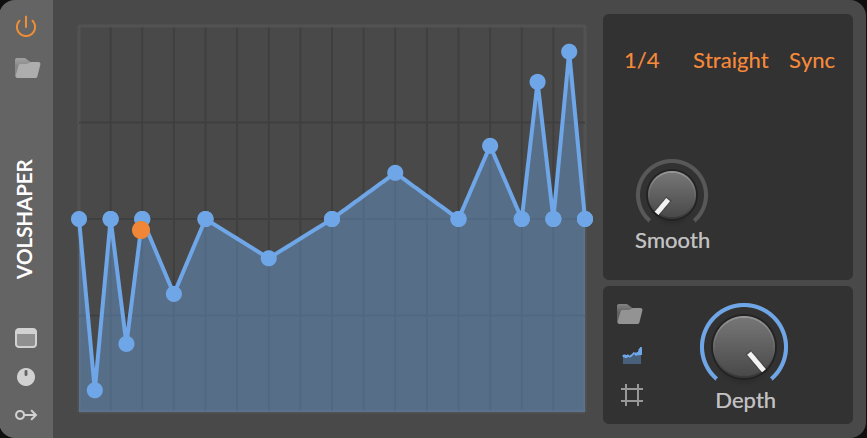
Custom Bitwig device.
ZIP includes the file and installation guide.
Download ZIP 11 KB
Caviio / Bitwig collection
Custom devices, modulation and tools for your next session. Made by Caviio. Free to download.
Device pack: 4 devices + 1 modulator · Bitwig Studio 6.1
Custom devices need one of the UUID setup methods below. Read the guide before using them in projects.
Get the complete device pack above, or pick individual files below. Every device ZIP includes the installation guide. No account or payment required.
Custom Bitwig device.
ZIP includes the file and installation guide.
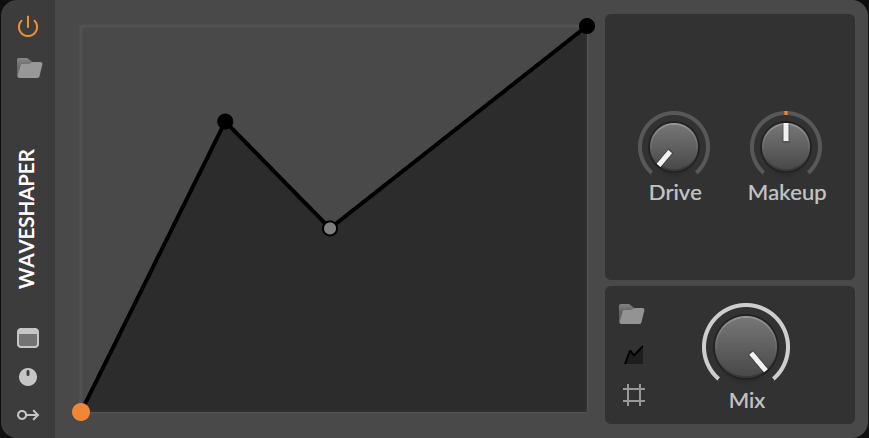
Custom Bitwig device.
ZIP includes the file and installation guide.
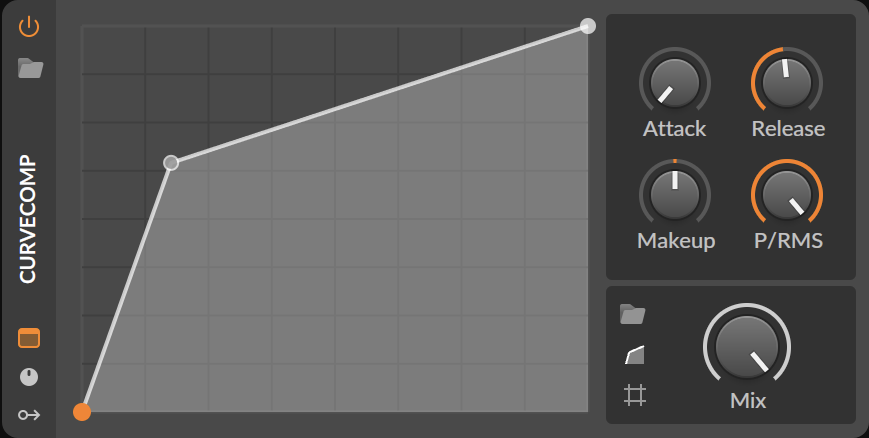
Custom Bitwig device.
ZIP includes the file and installation guide.
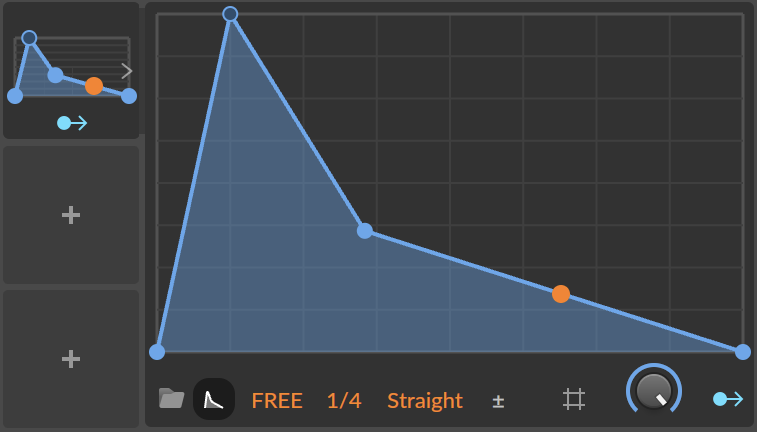
Custom Bitwig modulator.
ZIP includes the file and installation guide.
Custom Bitwig device.
ZIP includes the file and installation guide.
A separate curve file for your collection. Included as a ZIP download.
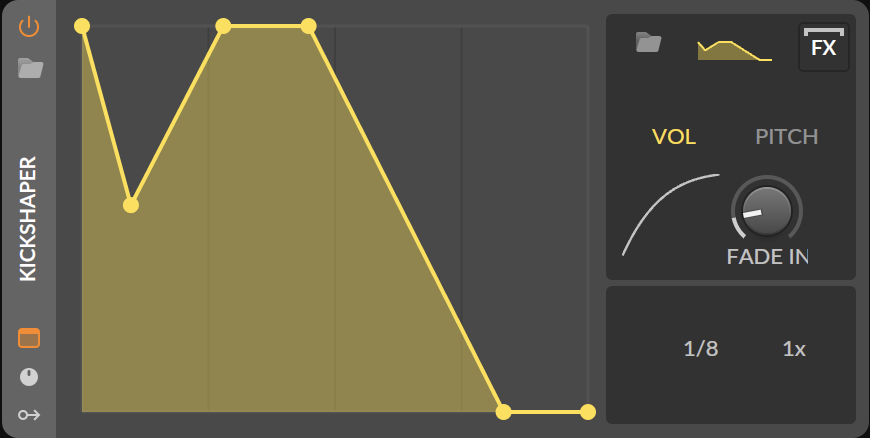
A preview from the Caviio collection. KICKSHAPER is not included in the current download pack.
Downloadable utilities for setting up custom device identities in your own Bitwig installation. Choose one method for your working copies.
Registers custom UUIDs in your Bitwig installation while keeping stable identities for your devices and modulators.
bitwig.jar.Assigns a compatible native donor identity to a custom device or modulator, without patching bitwig.jar.
Choose A or B, not both for the same files. The methods use different identities; projects are not automatically compatible between them. Both tools change files in your Bitwig installation. Close Bitwig and its audio processes, keep independent backups, and read the included documentation first.
The supplied tool documentation lists profiles for Bitwig Studio 6.0.6, 6.0.11, 6.1 Beta 6/7 and 6.1. The device collection itself is intended for 6.1. Tool profile availability does not make newer device files compatible with older Bitwig versions.
Unzip the device pack. Keep an untouched copy and back up important projects before setting up the custom devices.
Merge My Devices and My Modulators into your Bitwig user library. The included guide lists the paths for macOS, Windows and Linux.
Quit Bitwig and its audio processes, then follow Option A or B in the guide. Check that the tool supports your exact installed build.
Unofficial, experimental tools and devices by Caviio. Not affiliated with, supported by, or endorsed by Bitwig GmbH. Bitwig and Bitwig Studio are trademarks of their respective owner. A separately licensed Bitwig Studio installation is required. See the included documentation and sharing notices before use.